

-
Computer workrooms
10 November 2023
UC has PC and Apple Mac computer workrooms in various locations on our Ilam campus. All workrooms come with a standard set of software. Some workrooms also have course-specific applications available. See where UC's computer workrooms are and when they're available.

-
Computer workrooms
UC has PC and Apple Mac computer workrooms in various locations on our Ilam campus. All workrooms come with a standard set of software. Some workrooms also have course-specific applications available. See where UC's computer workrooms are and when they're available.
-

Computer workrooms
-
Computer workrooms
UC has PC and Apple Mac computer workrooms in various locations on our Ilam campus. All workrooms come with a standard set of software. Some workrooms also have course-specific applications available. See where UC's computer workrooms are and when they're available.
-
Dropbox
28 September 2026
Dropbox is a cloud file storage service that lets you share, synchronise, and collaborate on documents across UC and with a wider group of collaborators in academia and industry.

-
Dropbox
Dropbox is a cloud file storage service that lets you share, synchronise, and collaborate on documents across UC and with a wider group of collaborators in academia and industry.
-
Dropbox
-
Dropbox
Dropbox is a cloud file storage service that lets you share, synchronise, and collaborate on documents across UC and with a wider group of collaborators in academia and industry.
-
IT accounts
14 October 2025
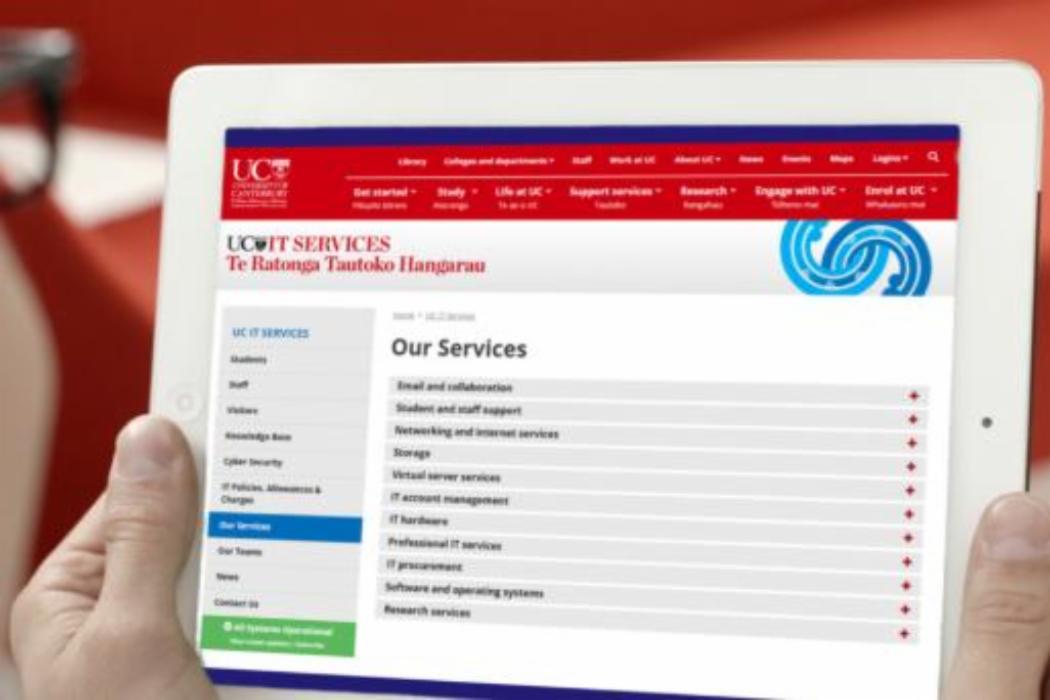
UC students, staff, and visitors need IT accounts to access our systems. Learn about passwords and activating your account.
-
IT accounts
UC students, staff, and visitors need IT accounts to access our systems. Learn about passwords and activating your account.
-
IT accounts
-
IT accounts
UC students, staff, and visitors need IT accounts to access our systems. Learn about passwords and activating your account.
-
IT self-service portal
15 February 2024
Contact the IT Service Desk for help using the IT self-service portal.

-
IT self-service portal
Contact the IT Service Desk for help using the IT self-service portal.
-
IT self-service portal
-
IT self-service portal
Contact the IT Service Desk for help using the IT self-service portal.
-
Log in to Microsoft 365
14 April 2025
Log in to Microsoft 365 and access your student email account.

-
Log in to Microsoft 365
Log in to Microsoft 365 and access your student email account.
-
Log in to Microsoft 365
-
Log in to Microsoft 365
Log in to Microsoft 365 and access your student email account.
-
Microsoft OneDrive
23 February 2024
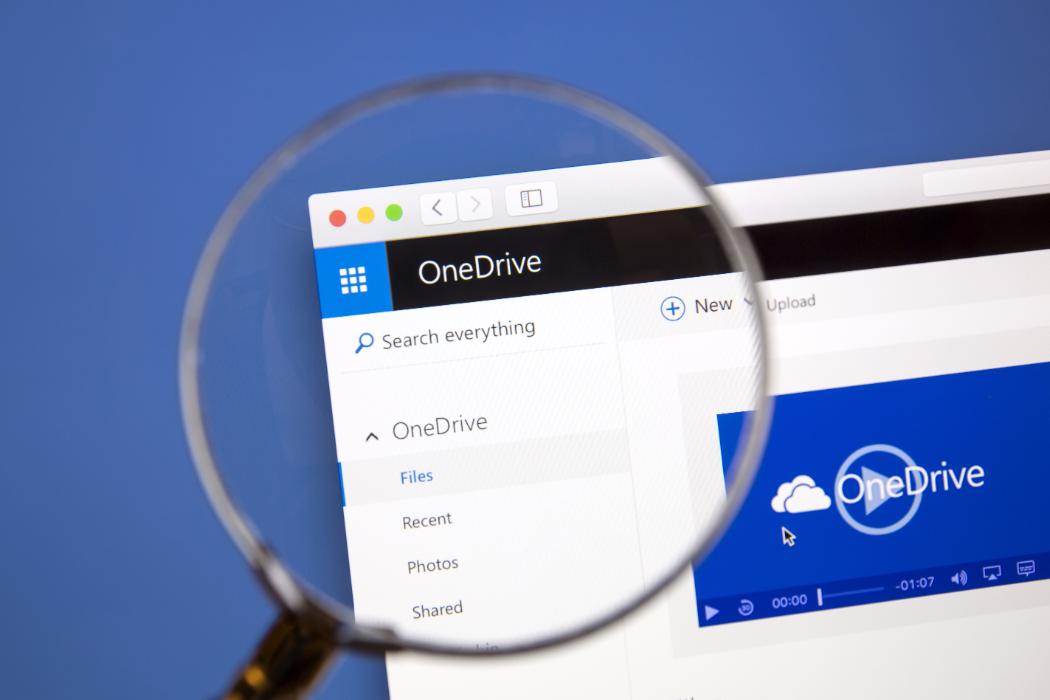
OneDrive for Business is a part of the Office 365 package. It's cloud storage that allows UC students to store, sync, and share up to one terabyte of files across multiple devices for free. Learn more.
-
Microsoft OneDrive
OneDrive for Business is a part of the Office 365 package. It's cloud storage that allows UC students to store, sync, and share up to one terabyte of files across multiple devices for free. Learn more.
-
Microsoft OneDrive
-
Microsoft OneDrive
OneDrive for Business is a part of the Office 365 package. It's cloud storage that allows UC students to store, sync, and share up to one terabyte of files across multiple devices for free. Learn more.
-
Multi-factor Authentication (MFA)
09 September 2026
Multi-Factor Authentication (MFA) is a quick, easy way to confirm your identity when you log into online services such as email (Outlook), Teams, or OneDrive. Learn more.
-
Multi-factor Authentication (MFA)
Multi-Factor Authentication (MFA) is a quick, easy way to confirm your identity when you log into online services such as email (Outlook), Teams, or OneDrive. Learn more.
-
Multi-factor Authentication (MFA)
-
Multi-factor Authentication (MFA)
Multi-Factor Authentication (MFA) is a quick, easy way to confirm your identity when you log into online services such as email (Outlook), Teams, or OneDrive. Learn more.
-
OneDrive file restoration
15 January 2024
If you accidentally delete a file or folder in OneDrive, you might be able to recover it later from the OneDrive recycle bin. Learn about OneDrive file restoration.
-
OneDrive file restoration
If you accidentally delete a file or folder in OneDrive, you might be able to recover it later from the OneDrive recycle bin. Learn about OneDrive file restoration.
-
OneDrive file restoration
-
OneDrive file restoration
If you accidentally delete a file or folder in OneDrive, you might be able to recover it later from the OneDrive recycle bin. Learn about OneDrive file restoration.
-
Printing and copying
24 July 2026
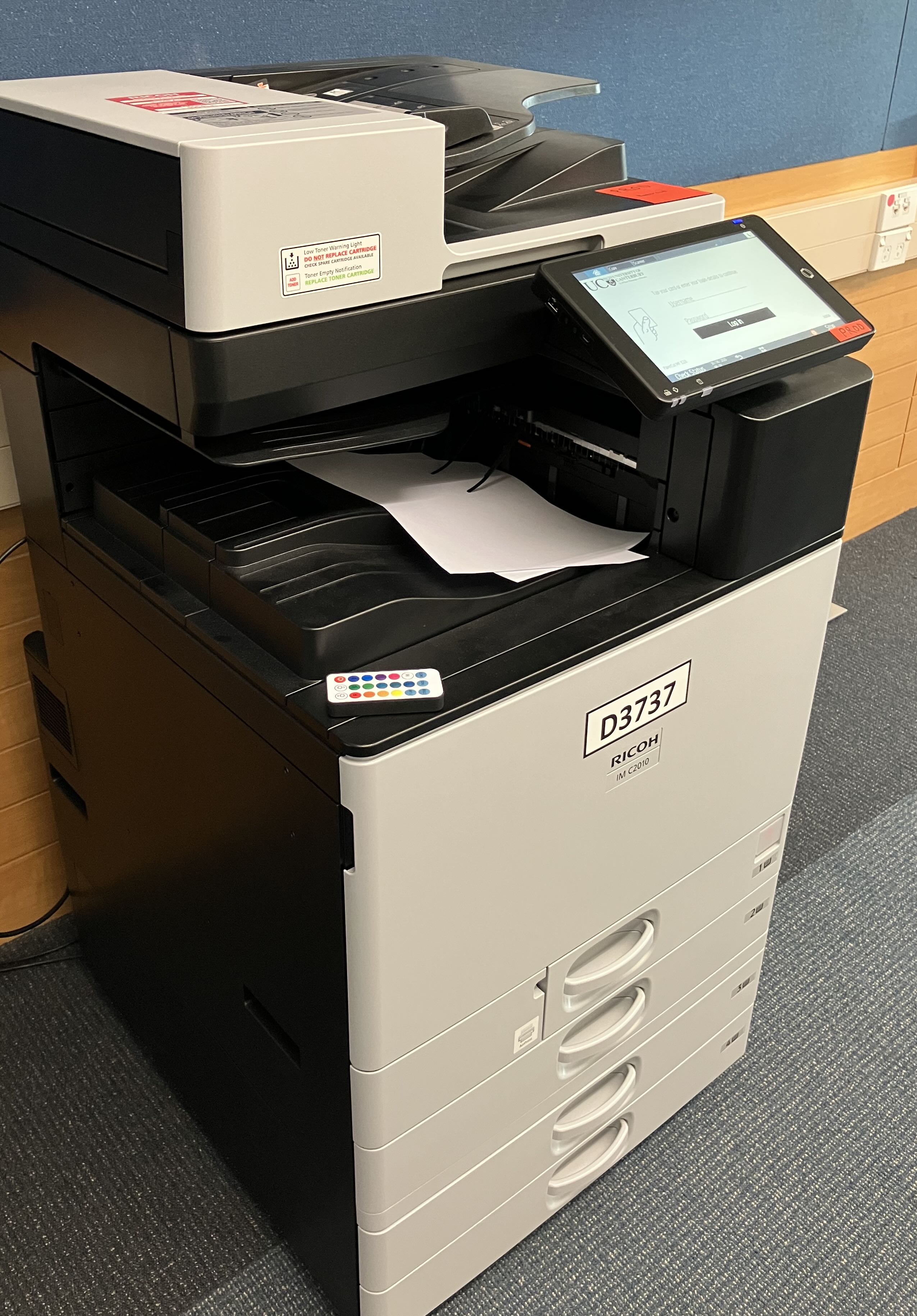
UC provides various print and copying services to our students and staff. These are mainly available via FindMe printing. Find out about printing and copying at UC.
-
Printing and copying
UC provides various print and copying services to our students and staff. These are mainly available via FindMe printing. Find out about printing and copying at UC.
-
Printing and copying
-
Printing and copying
UC provides various print and copying services to our students and staff. These are mainly available via FindMe printing. Find out about printing and copying at UC.
-
Remote access to UC from off-campus
13 November 2025
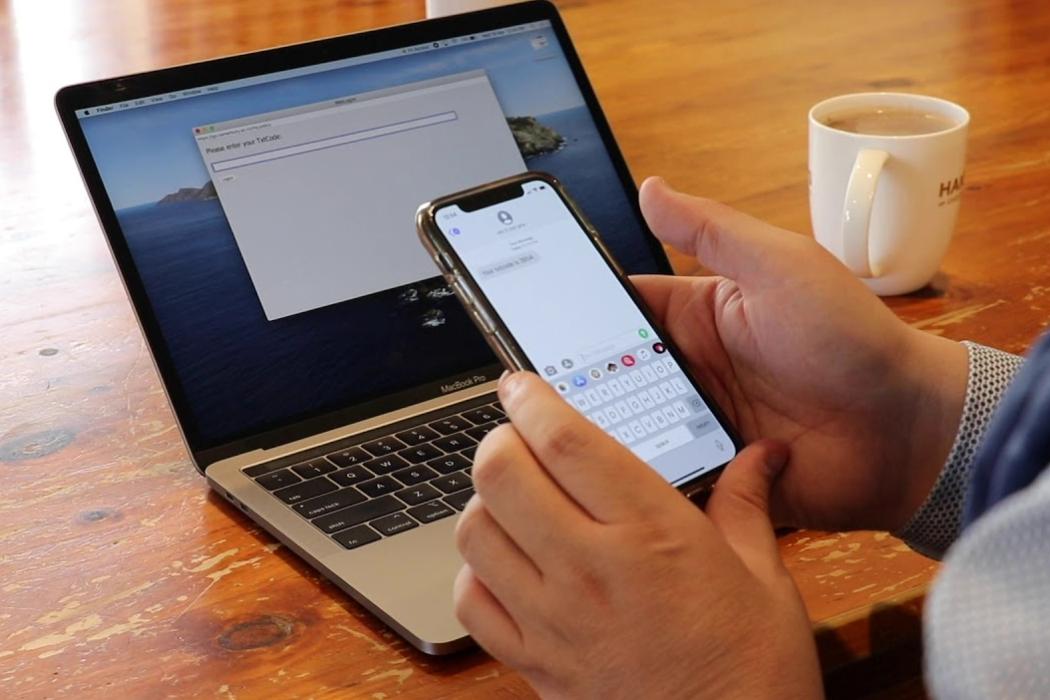
If you have a UC laptop, the best remote access experience is to take this home and connect to your Wifi. Your UC laptop is already configured with automatic remote connectivity to UC.
If you are a UC staff member or Postgraduate thesis student, you can request access to the UC network from your personal device.
-
Remote access to UC from off-campus
If you have a UC laptop, the best remote access experience is to take this home and connect to your Wifi. Your UC laptop is already configured with automatic remote connectivity to UC.
If you are a UC staff member or Postgraduate thesis student, you can request access to the UC network from your personal device.
-
Remote access to UC from off-campus
-
Remote access to UC from off-campus
If you have a UC laptop, the best remote access experience is to take this home and connect to your Wifi. Your UC laptop is already configured with automatic remote connectivity to UC.
If you are a UC staff member or Postgraduate thesis student, you can request access to the UC network from your personal device.
-
Report a scam
24 November 2023
Phishing is a technique used by hackers to trick people into giving personal details. Find out how to spot these and other scams and what to do if you receive a phishing email. Learn how to report a scam or suspicious message.

-
Report a scam
Phishing is a technique used by hackers to trick people into giving personal details. Find out how to spot these and other scams and what to do if you receive a phishing email. Learn how to report a scam or suspicious message.
-
Report a scam
-
Report a scam
Phishing is a technique used by hackers to trick people into giving personal details. Find out how to spot these and other scams and what to do if you receive a phishing email. Learn how to report a scam or suspicious message.
-
Set or reset your password
21 June 2024
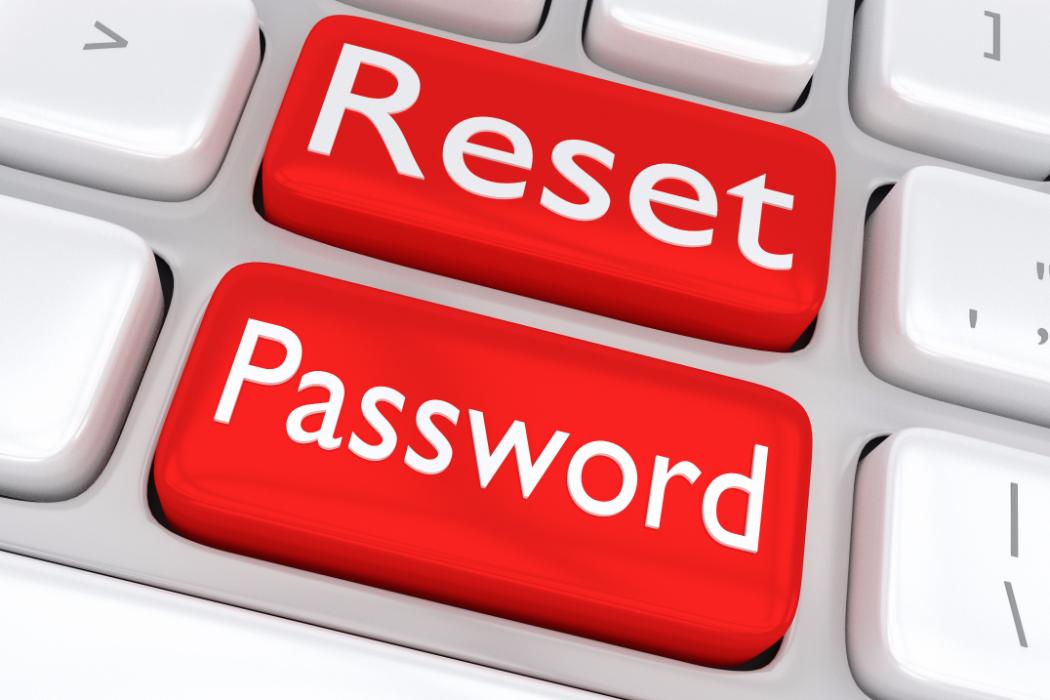
Change your current known password or reset it.
-
Set or reset your password
Change your current known password or reset it.
-
Set or reset your password
-
Set or reset your password
Change your current known password or reset it.
-
Storage
15 January 2024
UC provides various storage tools for our students and staff. You can use any combination of the options that best suit your needs. Check out our storage options.

-
Storage
UC provides various storage tools for our students and staff. You can use any combination of the options that best suit your needs. Check out our storage options.
-
Storage
-
Storage
UC provides various storage tools for our students and staff. You can use any combination of the options that best suit your needs. Check out our storage options.
-
Wifi at the halls
31 July 2026
UCwireless and eduroam Wi-Fi networks are available in all UC halls of residence. Find out more about Wi-Fi at the halls.

-
Wifi at the halls
UCwireless and eduroam Wi-Fi networks are available in all UC halls of residence. Find out more about Wi-Fi at the halls.
-
Wifi at the halls
-
Wifi at the halls
UCwireless and eduroam Wi-Fi networks are available in all UC halls of residence. Find out more about Wi-Fi at the halls.
-
Wireless access at UC
11 February 2026
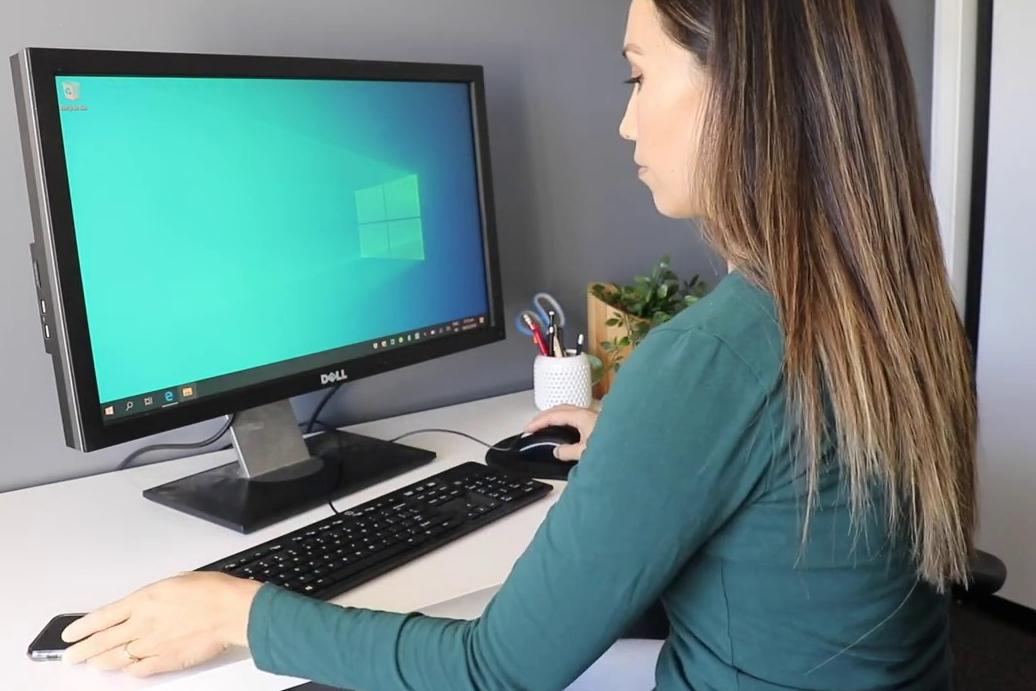
Students, visitors, and staff can get access to the internet and UC network via the UC wi-fi. Find out about wireless access at UC and how to access it.
-
Wireless access at UC
Students, visitors, and staff can get access to the internet and UC network via the UC wi-fi. Find out about wireless access at UC and how to access it.
-
Wireless access at UC
-
Wireless access at UC
Students, visitors, and staff can get access to the internet and UC network via the UC wi-fi. Find out about wireless access at UC and how to access it.
-
Zoom
13 February 2024
Zoom is currently the preferred method for video conferencing.

-
Zoom
Zoom is currently the preferred method for video conferencing.
-
Zoom
-
Zoom
Zoom is currently the preferred method for video conferencing.
Menu
About UC
Mō UC
Campus & community
Study
Ako
Study information
Our faculties
Life
Te Ao o UC
Student life
Support
Research
Rangahau
About our research
Work with us
News and Events
Rongo o te Wā
Latest News
Privacy Preferences
By clicking "Accept All Cookies", you agree to the storing of cookies on your device to enhance site navigation, analyse site usage, and assist in our marketing efforts.
General enquiries
0800 827 748 (within NZ)
+64 3 369 3999
Emergency contact details
Ext: 92111 (from a campus landline)
Direct dial: 0800 823 637

