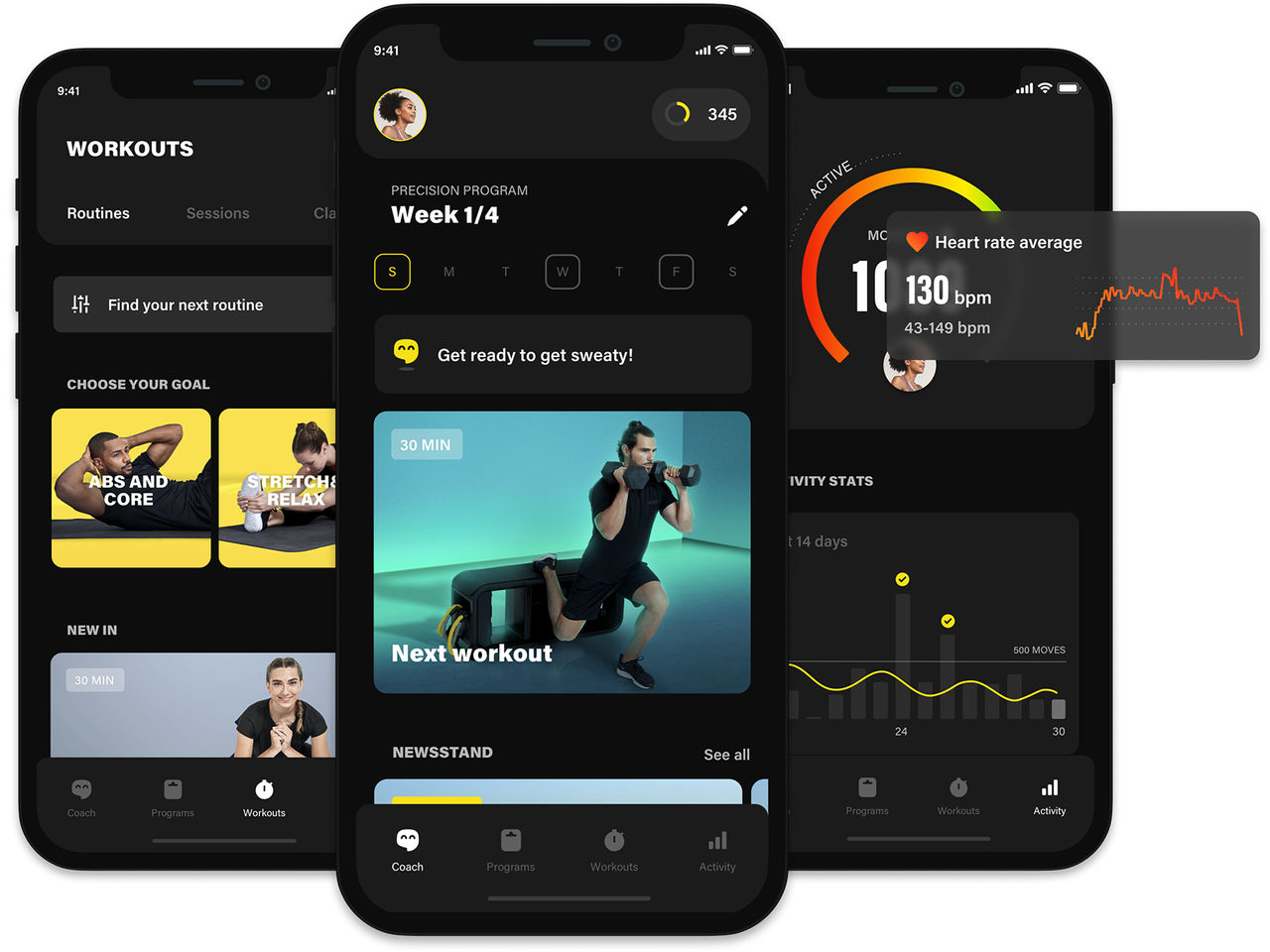
When you setup a UC RecCentre membership, you'll also want to download and use our app to make bookings for personal training, classes, massage and sauna.
How-To Create a MyWellness Account (a seperate account to your membership to access the app)
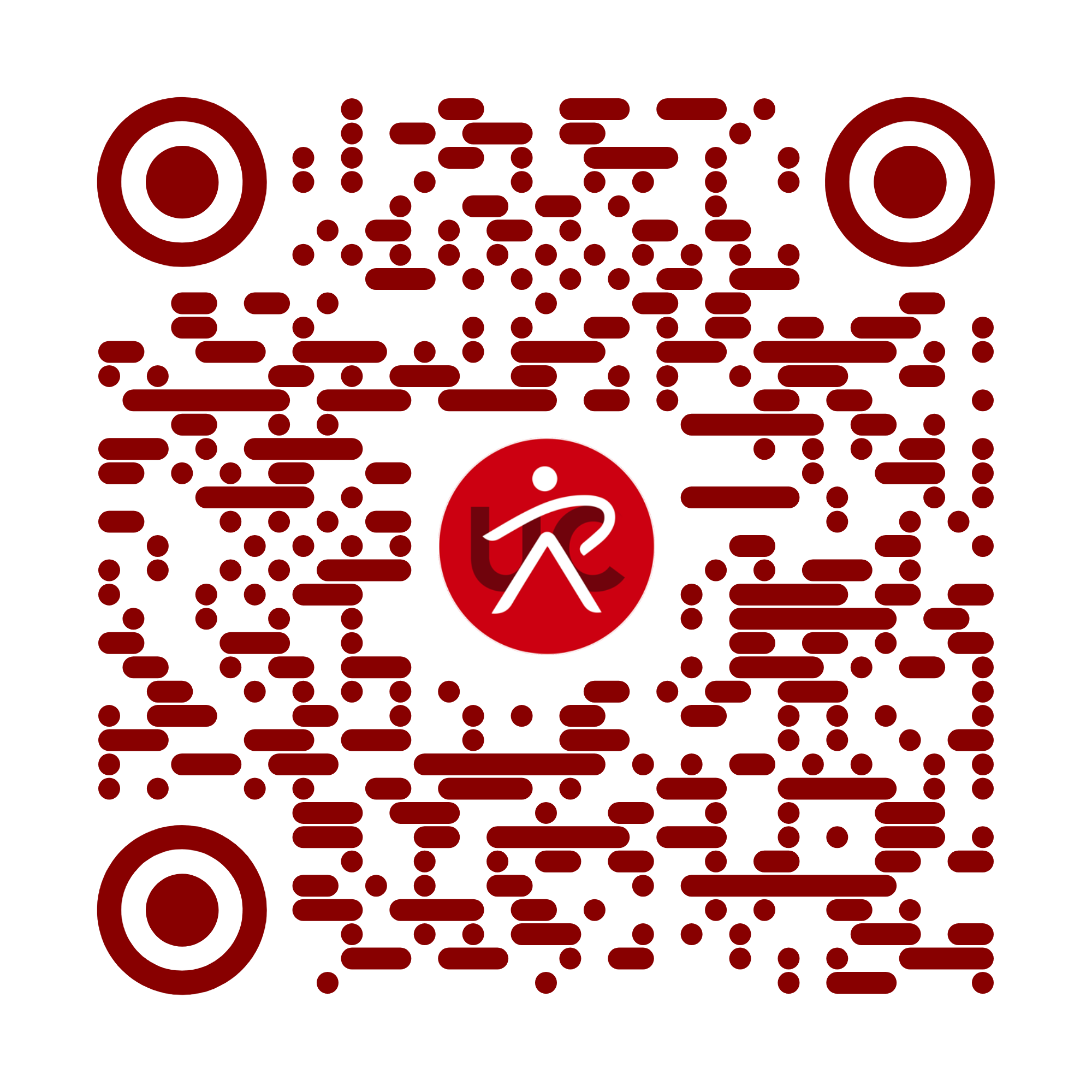
- Download and install the app using the QR code or link above. Please use this link rather than installing from an app store, as this link connects the standard app to our facility.
- Create a new account in the Technogym app, but make sure you use the exact same details as your membership (same email, date of birth, first/last names). This ensures the app correctly matches your account to your gym membership to enable access.
Use the app to:
- Book Group Fitness classes
- Book Personal Training Sessions
- Book a Massage
- Get yourself a Precision Training Programme (AI generated training programme)
- Do virtual Meditations, OnDemand Classes, Training Sessions and Routines
- Read wellness articles, training tips and tricks
- Find your PT assigned and precision workouts.
As with a lot of technology, you will find most features are available in the app, however, there are specific things you'll need to visit the website to be able to do.
Such as;
- Change your account email - Updating your email using the app only changes the email that notifications are sent to. To change the email address your account is registered to visit the account settings on the website, change the MyWellness account email. (You will recieve an email asking to confirm you made the change. Open the link, log back into the account again and confirm the change).
- Swap your current training programme - Did you like a previous programme your PT made for you? You can swap back to any programmes you've had in the past using the webpage here.
- Print a programme - Although think of the trees...
- Full Body Composition Scan Results - After getting a body composition scan, you can view a few of the most common results on the app, however, on the website you can view the full list of results.
- Delete an account - This can only be done via the website.
Hot tips:
- Are you having problems with the app? See our Troubleshooting page.
- Make sure you log into the app using the same email address that is associated with your RecCentre membership.
- Your RecCentre membership and Technogym app MyWellness accounts are different systems. You have to use the same email address for both accounts, however, each password will operate independently. We suggest you use the same password for both accounts, and if you change it for one make sure to change it for the other. This will make your life easier with only having to remember and use one password.